
Codes
Working Underground War 2.0 codes as of September 2026, including 360K Cash plus a potion and like-milestone notes.
View all CodesWorking codes, nuke tactics, weapon tiers, and tunnel combat guides for the Roblox classic.
Fan wiki for Underground War 2.0 on Roblox: live codes, nuke and flag tactics, weapon tiers, and tunnel combat guides.
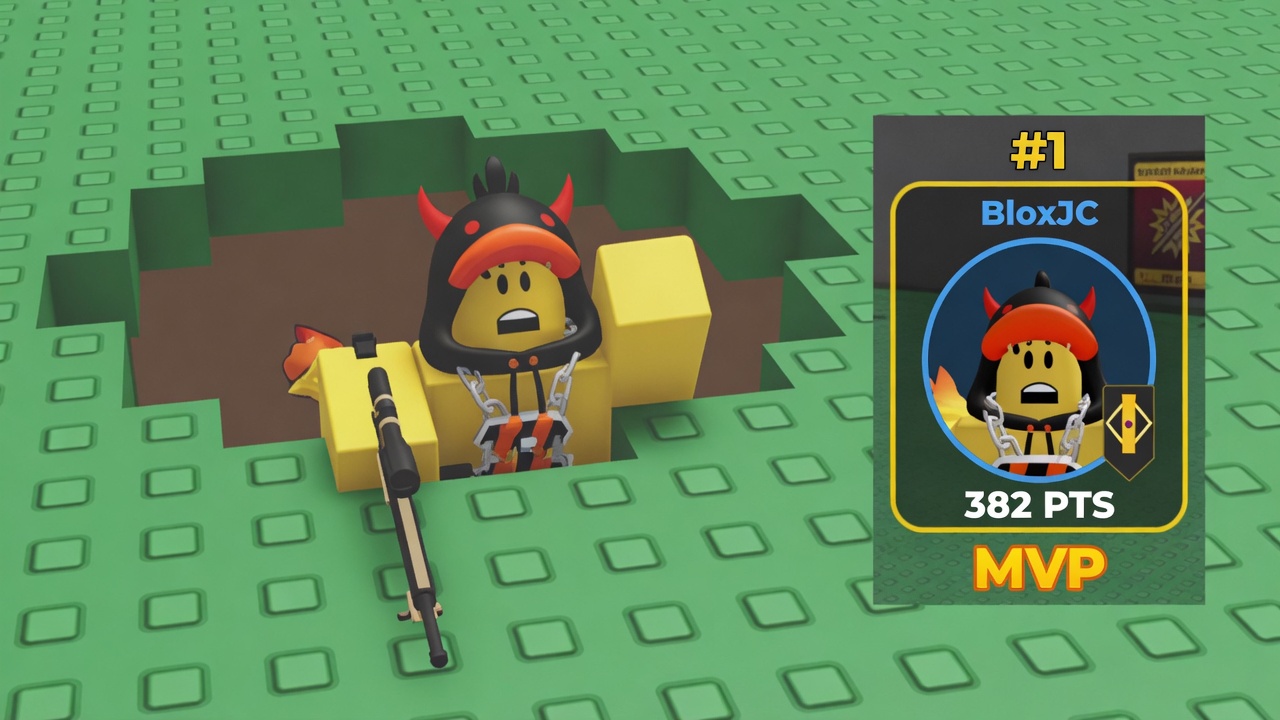
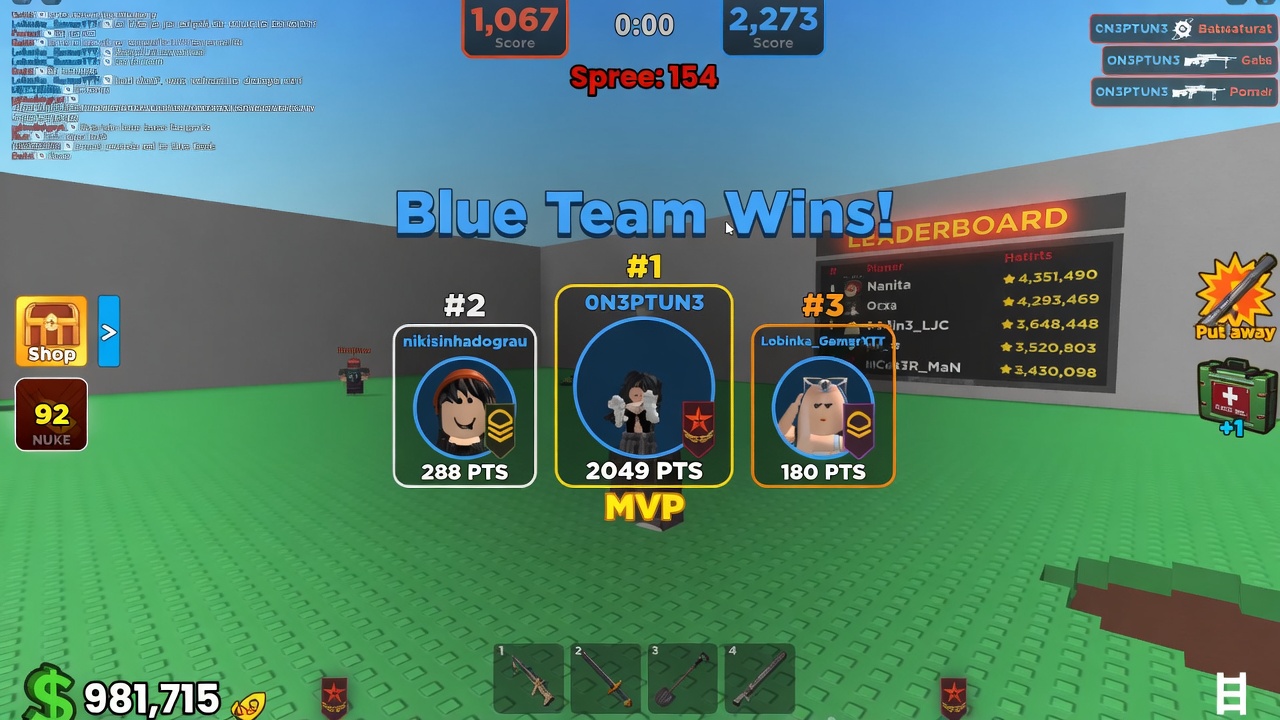
Underground War 2.0 is capserg's 2022 Roblox remake of Stickmasterluke's 2008 classic. You pick Red or Blue, spawn on your fortress half, and spend a short round digging dirt, fighting with a shovel, sword, and sniper, and chasing the enemy flag. Kills and captures feed a shared point bar; when that bar is high enough, someone can launch the nuke from mid-map and wipe the other team after a 15-second countdown. Cash and rank XP stick between rounds so upgrades matter. Start with the getting started guide, claim the current promo codes, then check the weapon tier list before you dump Cash into the wrong tool.
Working Underground War 2.0 codes as of September 2026, including 360K Cash plus a potion and like-milestone notes.
View all CodesUnderground War 2.0 how-to index: first hour, nuke, flag steal, controls, combat, digging, and mobile play.
View all GuidesRank Sniper, Sword, Shovel, Rocket, and Nuke by round impact, skill floor, and Cash efficiency in Underground War 2.0.
View all Tier ListCash, Rank XP, unofficial prestige, fan clans, kill sprees, MVP, and high-level servers in Underground War 2.0.
View all PlayersRead the version line in the Roblox description, the 2.8.32 stamp from 4 August 2026, and like-milestone codes.
View all UpdatesUnderground War 2.0 scripts for combat, movement, and hubs, with loadstring examples, ToS notes, and anticheat warnings.
View all ScriptsCash upgrade planner, Rocket Launcher pass, potions, and shop notes so you spend Robux and Cash on the right Underground War 2.0 tools.
View all ToolsThese are the official Roblox links for Underground War 2.0, plus the group, DevForum credits, and hubs that do not exist.
View all LinksOpen the experience, pick a team, and spawn on your fortress half. Servers hold 12 players. Read how to play if the HUD is new to you.
Open the Codes button on the left HUD and enter the live like-milestone string from the codes hub — currently **360K** for Cash and a potion.
Sword damage, sniper cooldown, shovel speed, and First Aid all scale with Cash. Follow the upgrade planner instead of spreading points thin.
Shovel a path, win fights for 7 points, and grab the enemy flag for 50. The flag guide covers routes and anticheat traps.
When team points are high enough, interact with the mid-map nuke. The nuke guide explains the 15-second window and the Launch a NUKE badge.
Quick answers for Underground War 2.0 players.
A free Roblox 6v6 battleground by capserg: dig tunnels, sword-fight, snipe, steal the flag, and launch a nuke. See the game overview and official links.
Read Getting Started, redeem codes, then follow the weapon tier list before you spend Cash.
Yes. Like-count codes rotate; we currently list **360K** on the codes hub with redeem steps on how to redeem.
This wiki supports: English, Français, Deutsch, Español, Português (BR). Configure locales in site.meta.json and run npm run generate:i18n.
No. It is a fan resource. Confirm codes and version (2.8.32 as of August 2026) on the Roblox experience page linked from official links.
No public Trello or official Discord is documented. Patch news lives in-game and on the updates hub.
Redeem working codes, follow the beginner guide, and lock a weapon upgrade plan before you queue. This wiki stays unofficial — always confirm live details in-game.
Start with the beginner guide